
Introduction
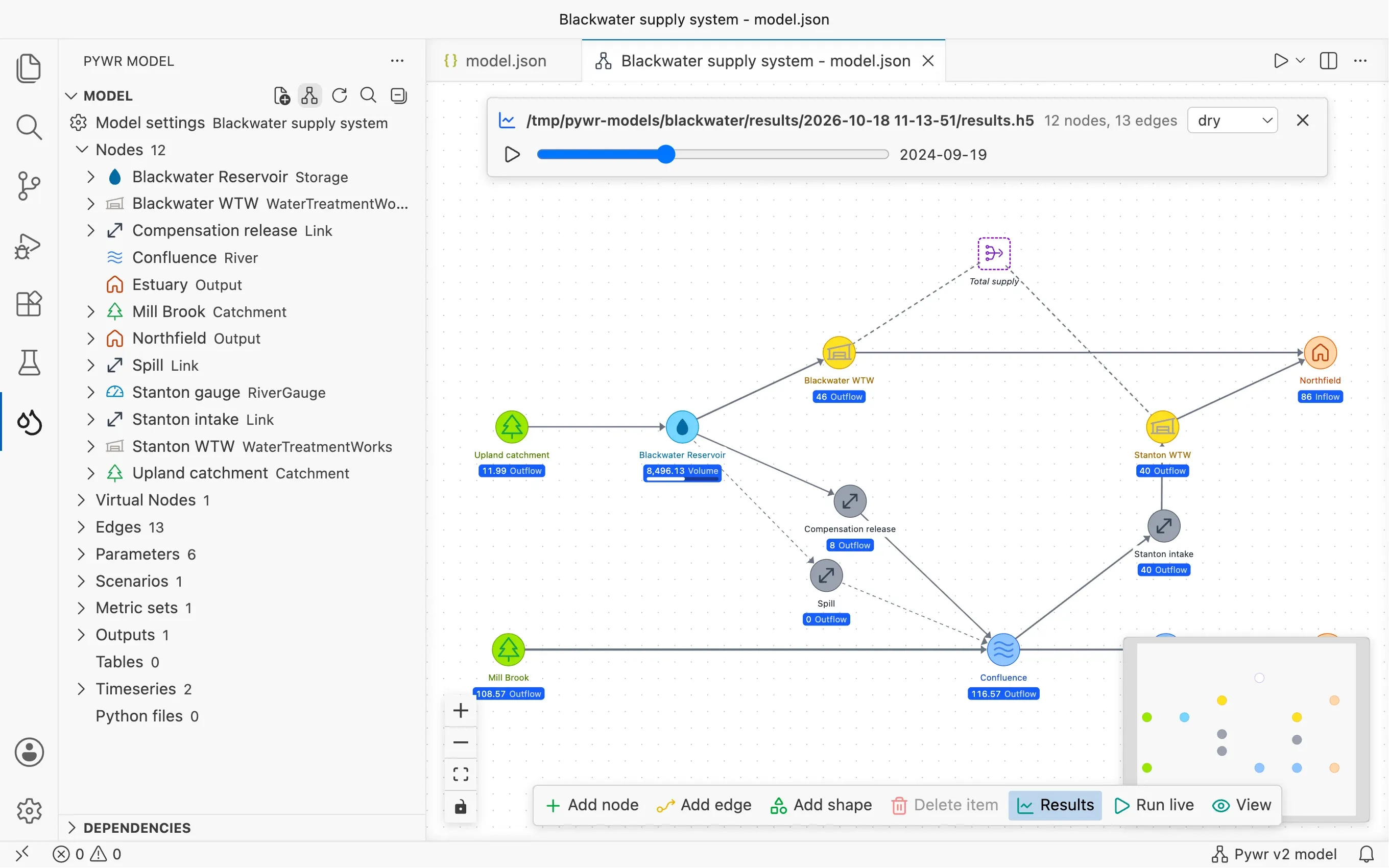
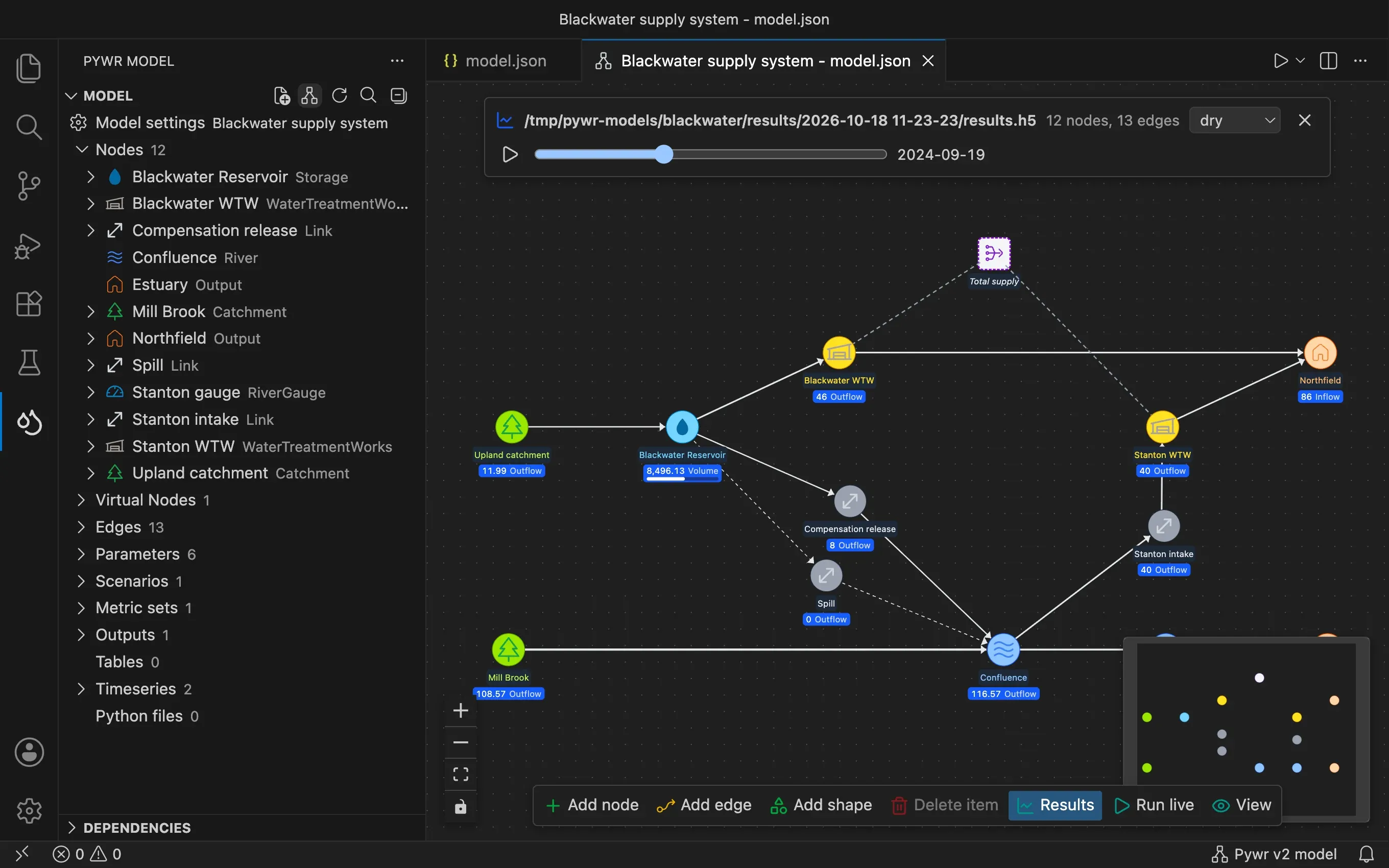
Pywr for VS Code is an extension for Visual Studio Code that lets you build, explore, run and check a Pywr water resource model without leaving the editor.
What Pywr is
Section titled “What Pywr is”Pywr is a library that simulates how water moves through a network: from catchments and rivers, through reservoirs and treatment works, to demand centres and other outputs such as rivers. At each time step it calculates how much water flows along each route, following the limits and the priorities you set.
A Pywr model is one JSON file. For a real system, this file may be thousands of lines long, and writing it by hand is slow and easy to get wrong. The extension reads that file and gives you other ways to work on it:
- a sidebar that lists every component of the model
- forms to edit a component without writing JSON
- a schematic to draw the network
- a Run button, with the progress of the run
- a results viewer to chart what the model wrote
- a QA report, a set of charts you draw again after every change
Everything you do is written back to the JSON file, so the file stays the single source of truth.
The rest of VS Code
Section titled “The rest of VS Code”The extension leaves the rest of VS Code as it is, so you can use the other features of the editor on a model:
- Source control to commit the model with Git and compare two versions of it
- Python support, with the Python extension, to write, run and debug the scripts and the custom parameters of a model
- the integrated terminal to run commands in the folder of the model
- the search across files, and any other extension you have installed
What a model is made of
Section titled “What a model is made of”You do not need to know Pywr well to follow this guide, but these words come up on every page.
| Word | What it is |
|---|---|
| Node | A place in the network: a catchment, a reservoir, a river reach, a treatment works, a demand. |
| Edge | A connection between two nodes, along which water can flow. |
| Parameter | A value a node uses, such as a demand, a licence limit or a cost. It can be a constant, a monthly profile, or a value that depends on something else, such as the level of a reservoir. |
| Table and timeseries | Data read from a file, usually a CSV file, such as the inflows of a catchment. |
| Scenario | A set of alternative inputs run side by side, such as a dry, an average and a wet climate. |
| Metric set and output | Pywr v2 What to save from a run, and the file to save it in. |
| Recorder | Pywr v1 What to save from a run. |
| Virtual node | Pywr v2 A node that is not part of the network, used to add up or limit the flow of other nodes. |
This guide uses component for any of these.
Pywr v2 and Pywr v1
Section titled “Pywr v2 and Pywr v1”There are two versions of Pywr, and their model files are different:
- Pywr v2 (pywr-next) is the current version, written in Rust.
- Pywr v1 (pywr) is the original Python library.
The extension works with both. It recognises which version a model is written for and shows it in the status bar, at the bottom right of the window. Where the two versions behave differently, this guide says so. See Supported formats for the details.
Where to start
Section titled “Where to start”Support the project
Section titled “Support the project”Pywr for VS Code is a free project by Stefano Simoncelli. You can support its development with a donation on PayPal.