
Check the model for mistakes
Your model is checked while you edit it. Mistakes are underlined in the JSON file a moment after you stop typing, without running the model.
Read the problems
Section titled “Read the problems”-
Look for the underlines in the JSON file. Red is an error, yellow is a warning. Hover one to read the message.
-
Open the Problems panel to see them all: View > Problems, or click the error and warning counts at the left of the status bar.
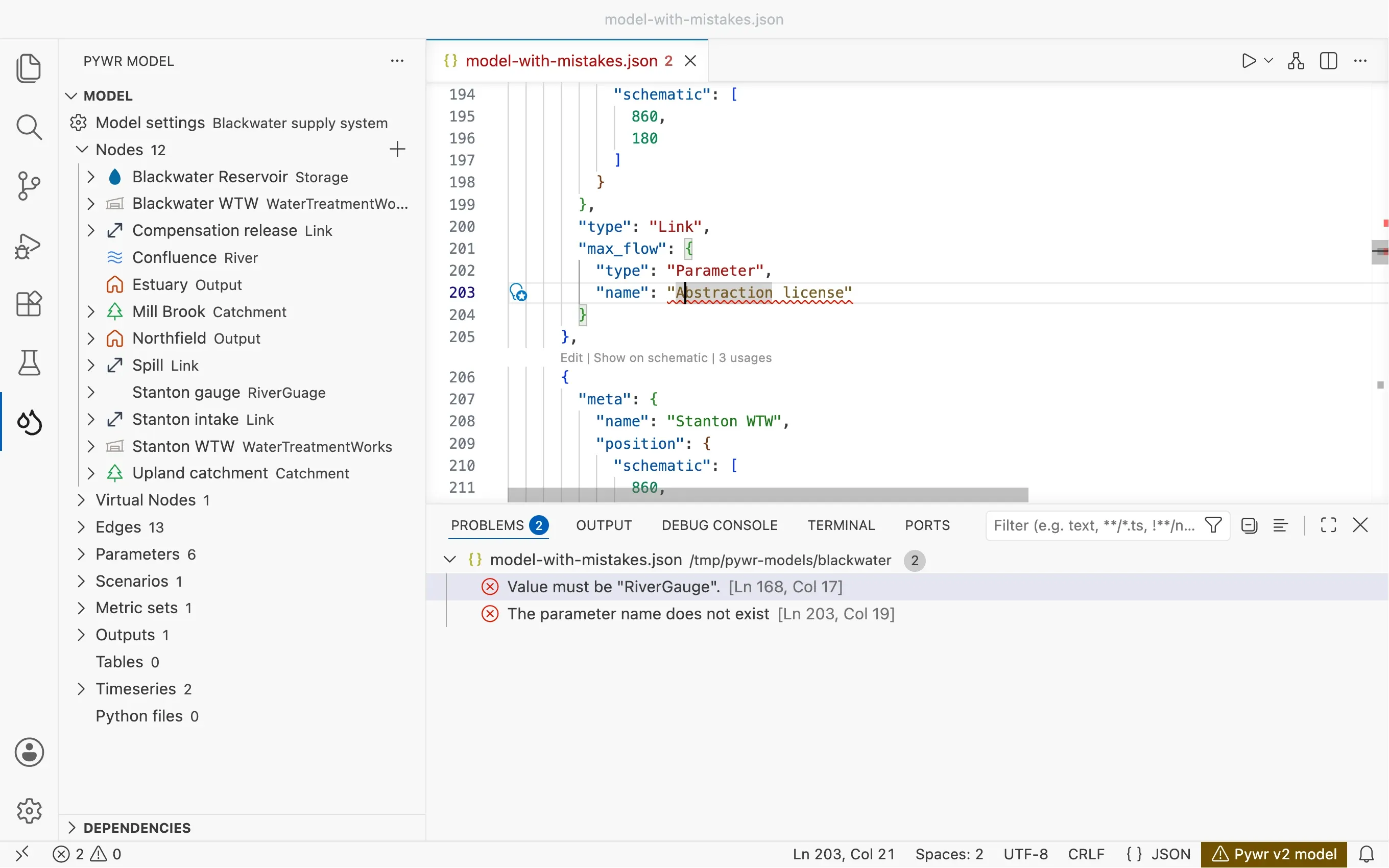
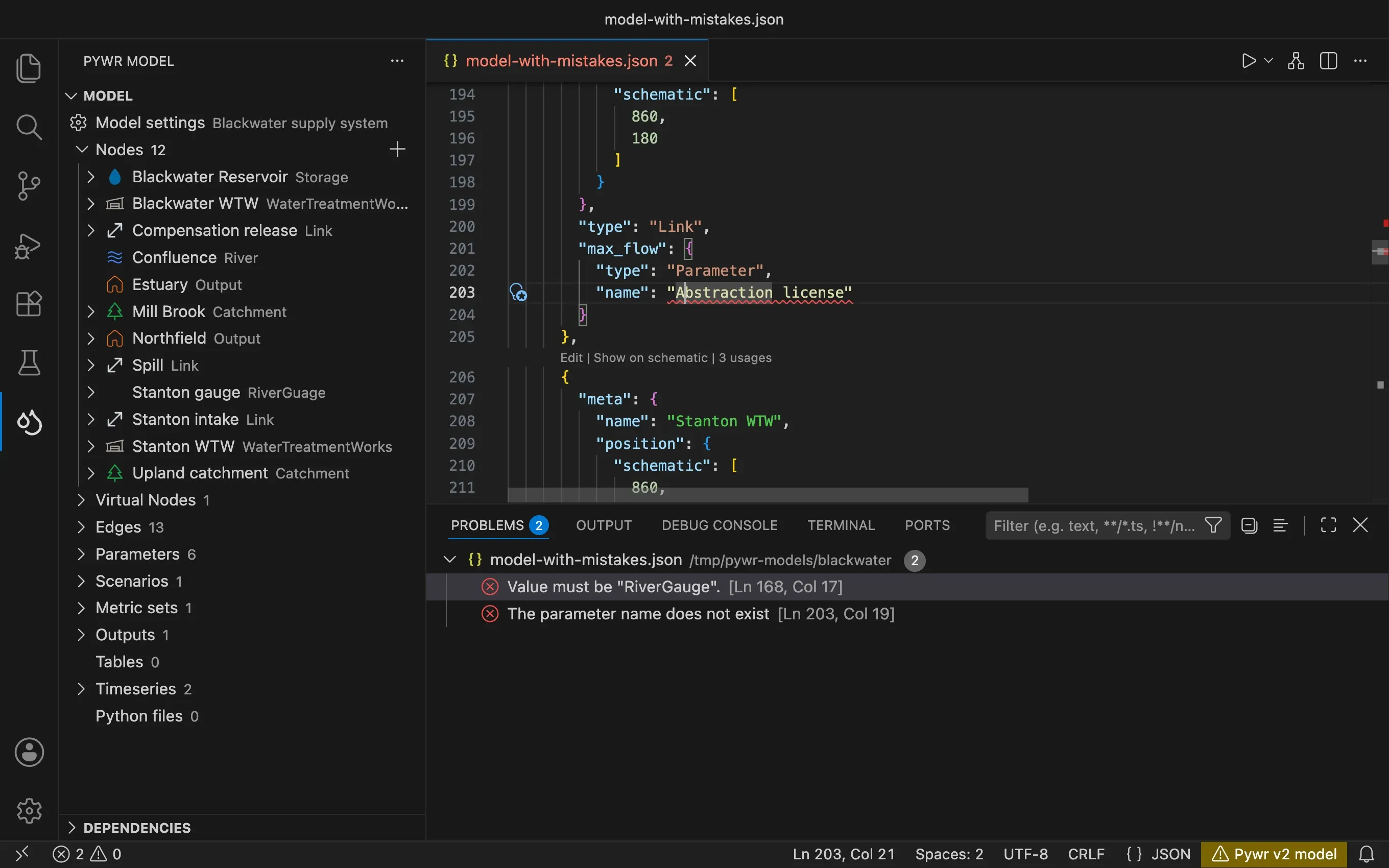
-
Click a problem to go to it.
The Pywr v2 model or Pywr v1 model item of the status bar turns to the warning colour while the model has errors.
Fix a mistake with the light bulb
Section titled “Fix a mistake with the light bulb”-
Put the cursor on an underlined mistake.
-
Click the light bulb that appears, or press Ctrl . (Cmd . on macOS).
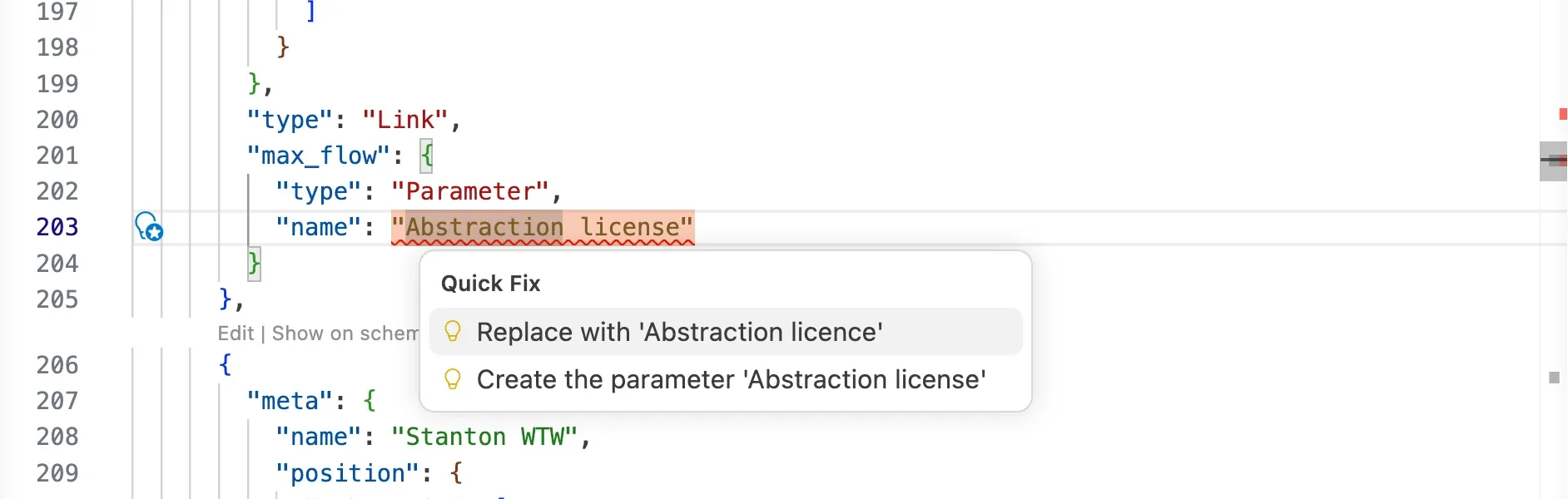
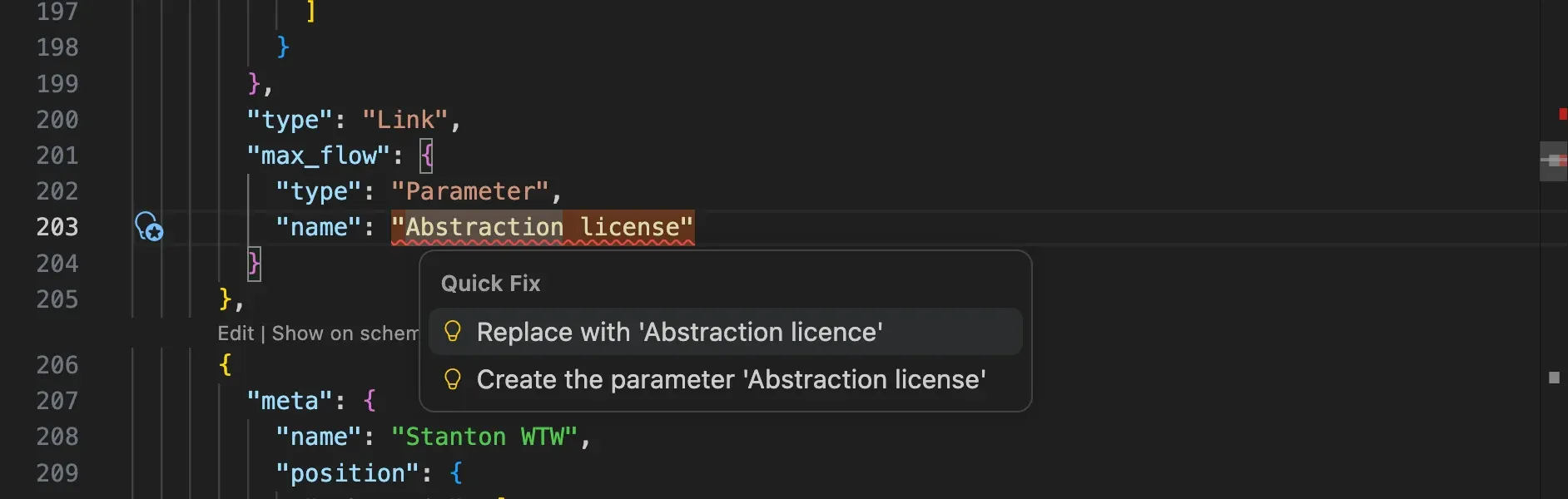
-
Pick a fix.
| Mistake | Fixes on offer |
|---|---|
| A name that does not exist | Replace it with one of the closest names in the model, or create the component with that name. When the name is in an edge, remove the edge. |
| A name used by two components | Rename this component. The places that use the name are not changed. |
| A file that cannot be found | Browse for the file. The path is saved relative to the model when the file is in its folder. |
What is checked
Section titled “What is checked”Against the Pywr schema. The official description of a Pywr v2 model: the types that exist, the fields each one needs and the values each field accepts.
The names. A name used by two components of the same kind is an error. So is a reference to a node, a parameter, a table or another component that does not exist.
The files. A warning when a file a component reads does not exist.
Mistakes the schema cannot catch. These are warnings, and do not mark the model as having errors:
- a node that is not connected to any other node
- an edge using a slot its node does not have
- a parameter, a table or a timeseries that nothing uses
- a metric set that no output saves
- lists whose lengths must match, such as the values and the control curves of a parameter, or the twelve values of a monthly profile
- a scenario group whose labels or subset do not match its size
Against a schema. Pywr v1 has no official schema, so the extension uses its own, which describes the types of pywr and the fields of each one.
The names. A name used by two components is an error, and so is a reference to a component that does not exist. A parameter and a recorder cannot share a name.
The files. A warning when a file a component reads does not exist. The files written by the CSV and the tables recorders are not checked.
The rules pywr applies when it loads a model, such as:
- edges must connect nodes that exist
- a storage node needs an initial volume
- keys that are required, or that cannot be used together
- the number of values of control curves and profiles
Custom components. A type that is not part of pywr is looked up in the Python
files listed in includes, and in the compiled
Cython modules you added. A class found
there is accepted as a custom component; a type found nowhere is reported.