
Use Cython modules
Pywr v1 This page is for Pywr v1 models whose custom nodes, parameters or recorders are compiled with Cython.
Why the modules must be listed
Section titled “Why the modules must be listed”Pywr v1 loads your own components from the Python files listed in the includes section
of the model. It cannot load a compiled module, a .so file on macOS and Linux or a
.pyd file on Windows, in this way. Outside VS Code you would import the module in the
script that runs the model.
The extension does this for you: you tell it which compiled modules your models need, and it imports them before a model is loaded. The classes of the modules are then:
- available when the model runs, including the run of a QA report
- recognised as custom components when the model is checked, so that their types are not reported as unknown
The modules are set for a folder, so open the folder with your models and your modules with File > Open Folder… first.
Add a module
Section titled “Add a module”-
Find the compiled module in the Explorer, for example
custom_parameters.cpython-312-darwin.so. -
Right-click it and pick Pywr: Add to the Cython Modules. To add several modules, select them all first.
-
A message confirms that the module will be imported before a Pywr v1 model is loaded.
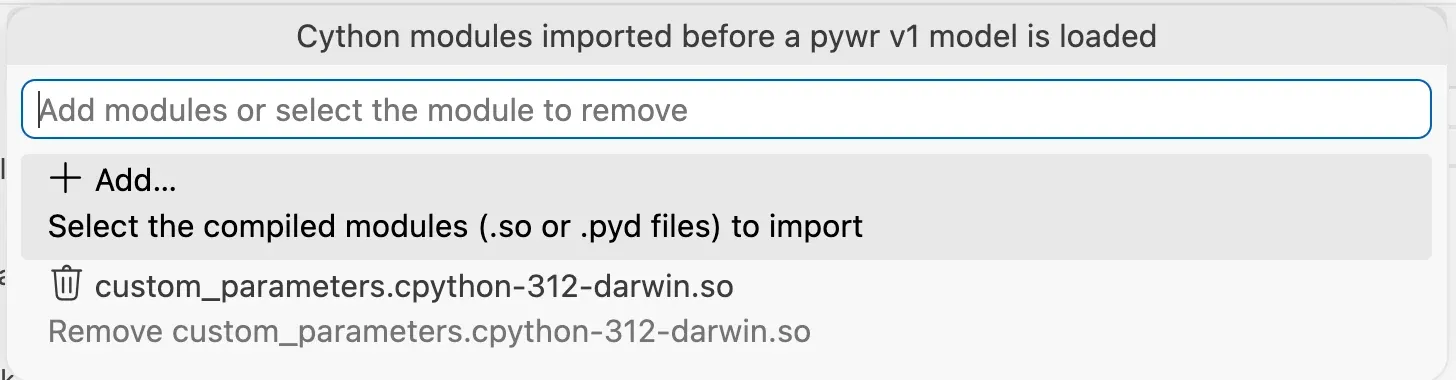
You can also run Pywr: Manage Cython Modules from the Command Palette, pick Add… and choose the files.
See and remove the modules
Section titled “See and remove the modules”-
Run Pywr: Manage Cython Modules from the Command Palette (Ctrl Shift P, or Cmd Shift P on macOS).
-
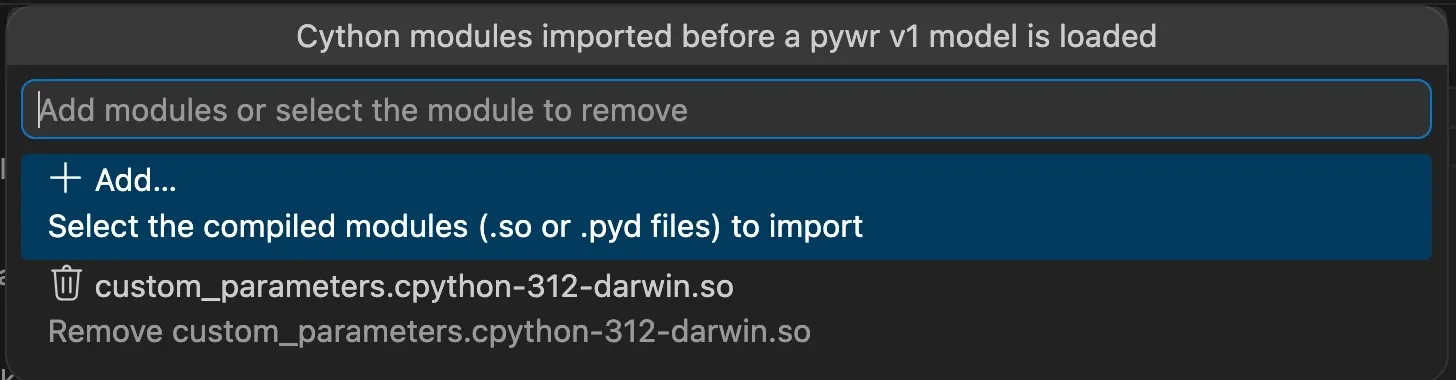
The list shows Add… and the modules of the folder. Pick a module to remove it from the list. The file itself is not deleted.
Where the modules are saved
Section titled “Where the modules are saved”The modules are saved in the pywr.v1.cythonModules
setting of the folder, in its
.vscode/settings.json file:
{ "pywr.v1.cythonModules": ["custom_parameters.cpython-312-darwin.so"]}A module inside the folder is saved with a path relative to the folder; a module elsewhere is saved with its full path. You can edit the list by hand.
How the modules are checked
Section titled “How the modules are checked”To know which classes a module adds, the extension imports it with the Python environment selected in VS Code, the same one used to run the model. This happens the first time a model is checked and again when a module file changes.
- While the modules are being imported, any custom type is accepted.
- If a module cannot be imported, a warning says why and any custom type is accepted, so that the model is not covered in errors. The import is tried again after a minute.
A module fails to import when it was compiled for another version of Python or another system, when pywr is not installed in the selected environment, or when a package the module needs is missing. Select the environment the module was built for with Python: Select Interpreter.
A module in a package
Section titled “A module in a package”The module is imported with the name in its file name, up to the first dot:
custom_parameters.cpython-312-darwin.so is imported as custom_parameters. A module in
a package, a folder with an __init__ file, is imported with the name of its package.