
Run a risk analysis
A risk analysis shows how the reservoirs could behave from a given day, under the weather of every year in the record of the model. It answers questions such as “starting from today’s storage, how likely is the reservoir to fall below 40% in the next year?”.
How it works
Section titled “How it works”The analysis starts from the start date of the model, set in timestepper in Pywr v1
and in time in Pywr v2. The extension:
- runs the model from the start date for the number of years you set (one by default)
- runs it again from the same day and month of the next year, and so on, until a run would end after the end date of the model
- saves, for each storage node, the volume of each run as a proportion of the maximum volume (from 0 to 1)
- calculates the percentiles of each day across the runs
For example, a model from 1 April 1990 to 31 December 2020, with runs of one year, is run 30 times: from 1 April 1990 to 31 March 1991, from 1 April 1991 to 31 March 1992, up to the run that starts on 1 April 2019.
Every run starts from the initial volumes set in the model. The 29th of February is removed from the results, so that each run has 365 days for each year and the same row is the same day of the year in every run.
Run the analysis
Section titled “Run the analysis”The analysis uses the Python environment selected in VS Code, as a
normal run does. For
both versions of Pywr, that environment also needs PyTables (pip install tables) to
save the results.
-
Open the model and set its
startdate to the day to start from. -
Press the chart button next to Run, or run Pywr: Run a risk analysis… from the Command Palette.
-
Change the options you need. The list shows how many runs the analysis has, and stays open until you run or close it.
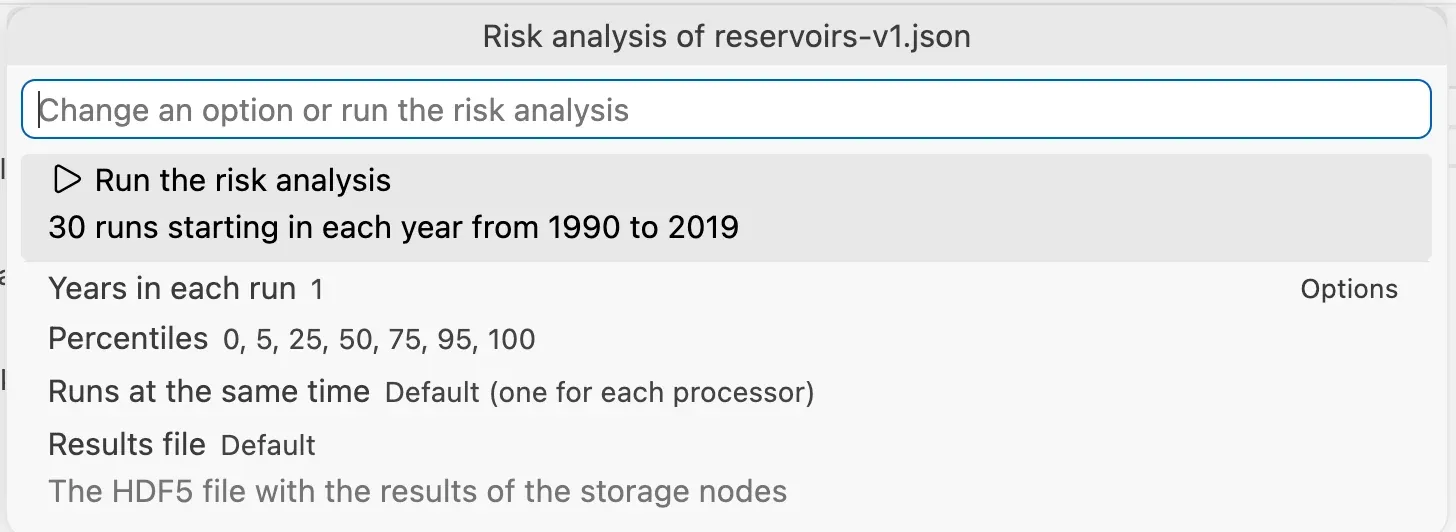
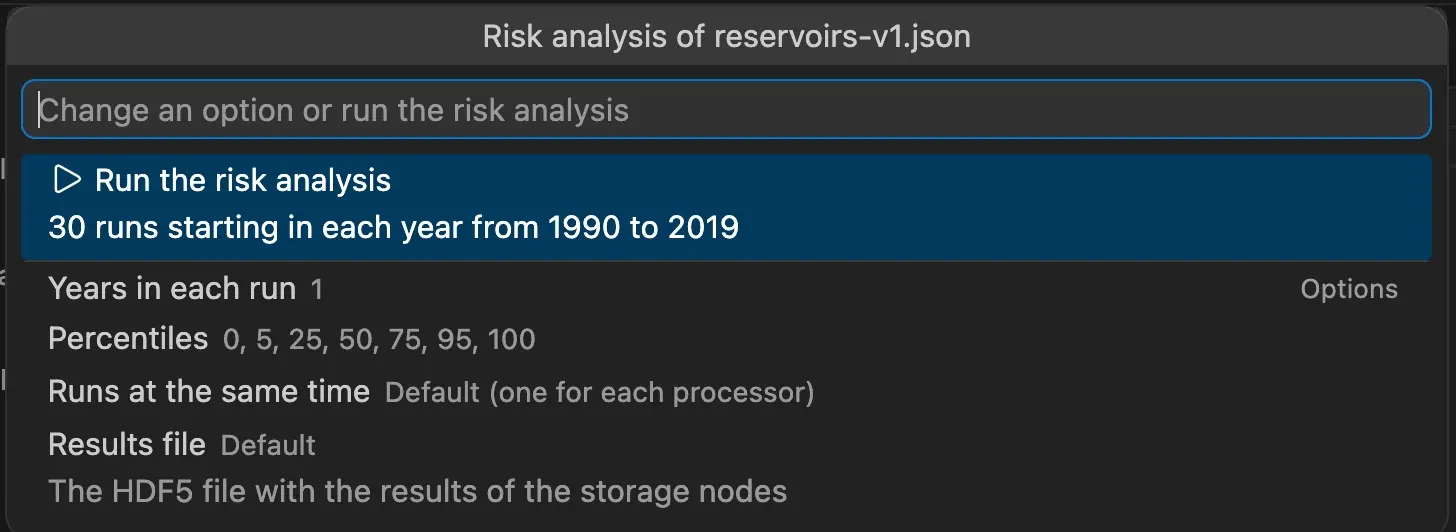
Option What you can set Years in each run How long the model runs from each start year. The default is 1. Percentiles The percentiles to calculate, between 0 and 100. The default is 0, 5, 25, 50, 75, 95 and 100. Runs at the same time The number of processes that run the model. The default is one for each processor of your machine. Results file The HDF5 file to write. The default is the name of the model with the .risk.h5extension, next to it. -
Pick Run the risk analysis. The model is saved first.
-
Follow the progress in the notification, which counts the completed runs. Press Cancel to stop all of them.
The options are remembered for each model. Pick Reset the options to go back to the defaults. The model file is never changed, and the files of its own recorders are not written during the analysis.
Look at the results
Section titled “Look at the results”When the analysis completes, pick Open results to open the file in the results viewer. It opens with one chart for each storage node, which shows the percentiles of each day of a run:
- the median as a line
- a shaded area between each pair of opposite percentiles, such as the 25th and the 75th, or the 5th and the 95th. The wider the pair, the lighter the area.
- a dotted line for a percentile without its opposite
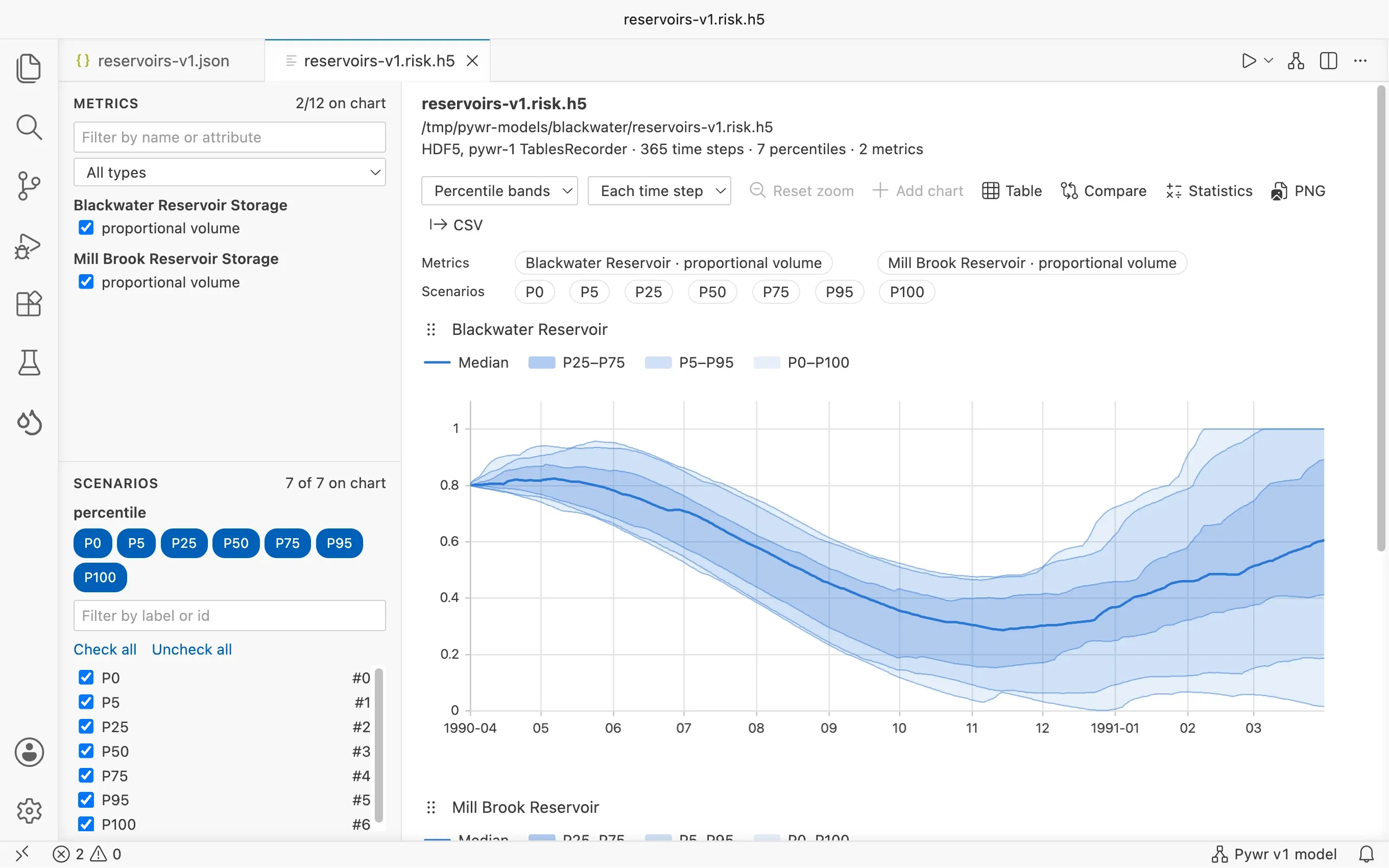
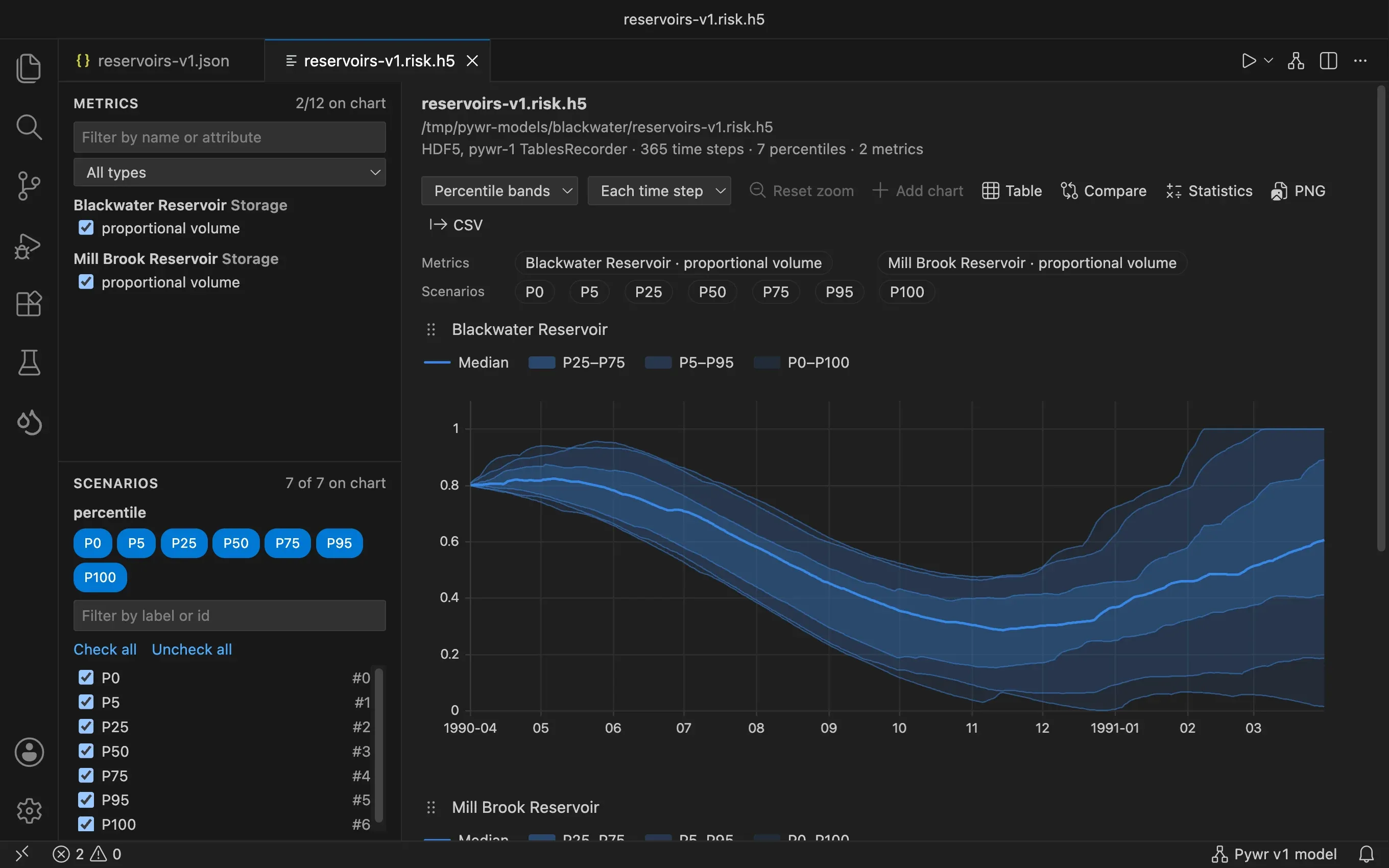
The legend of each chart names the percentiles of each area. The dates on the axis are the ones of the first run. To leave a percentile out, uncheck it in the Scenarios list on the left. The table, the statistics and the exports of the viewer work on the percentiles too.
Show summary lists the start years, the number of runs and the time they took.
The results file
Section titled “The results file”The file is an HDF5 file with:
| Path | Content |
|---|---|
/percentiles/<node> |
The percentiles of a storage node: an array with a row for each day of a run and a column for each percentile. |
/runs/<node> |
The runs of a storage node: a table with a row for each day and a column for each start year, named after it. |
/time |
The year, month and day of each row, as the dates of the first run. |
| attributes | On the root of the file: run_years, start_years and percentiles. |
To read it in Python:
import pandas as pdimport tables
with tables.open_file("model.risk.h5") as file:    runs = pd.DataFrame(file.root.runs["Reservoir"][:])    percentiles = pd.DataFrame(        file.root.percentiles["Reservoir"][:],        columns=file.root._v_attrs.percentiles,    )
# the chance of being below 40% on each dayprint((runs < 0.4).mean(axis=1))
A / in the name of a node is written as _ in the file.