
Write Python scripts
The extension writes the Python scripts you often need next to a model: to run it outside VS Code, to look at the files it reads and writes, and to start a custom parameter. Each script is documented and ready to change.
Create a script
Section titled “Create a script”-
Open the model the script is for. This is optional: the script is then written with the paths of the model instead of placeholders.
-
Open the Command Palette (Ctrl Shift P, or Cmd Shift P on macOS) and type Pywr: New Python Script to list the scripts.
-
Pick one. The script opens in a new file, which is not saved yet.
-
Save the file with Ctrl S, for example next to the model, and change it as you need.
The scripts
Section titled “The scripts”| Command | Use it to |
|---|---|
| Pywr: New Python Script: Run a Pywr v1 Model | Run a Pywr v1 model and print its results. |
| Pywr: New Python Script: Run a Pywr v2 Model | Run a Pywr v2 model and save its outputs. |
| Pywr: New Python Script: Open the HDF5 File of a DataFrameParameter (Pywr v1) | Look at the table a parameter reads. |
| Pywr: New Python Script: Open a TablesRecorder File (Pywr v1) | Read the results saved by a recorder. |
| Pywr: New Python Script: Custom Parameter (Pywr v1) | Start a custom parameter in Python. |
| Pywr: New Cython Module: Custom Parameter (Pywr v1) | Start a custom parameter in Cython. |
Run a model
Section titled “Run a model”The extension runs a model for you. A script is useful to run it somewhere else, for example on a server, or to do something with the results once the run is complete.
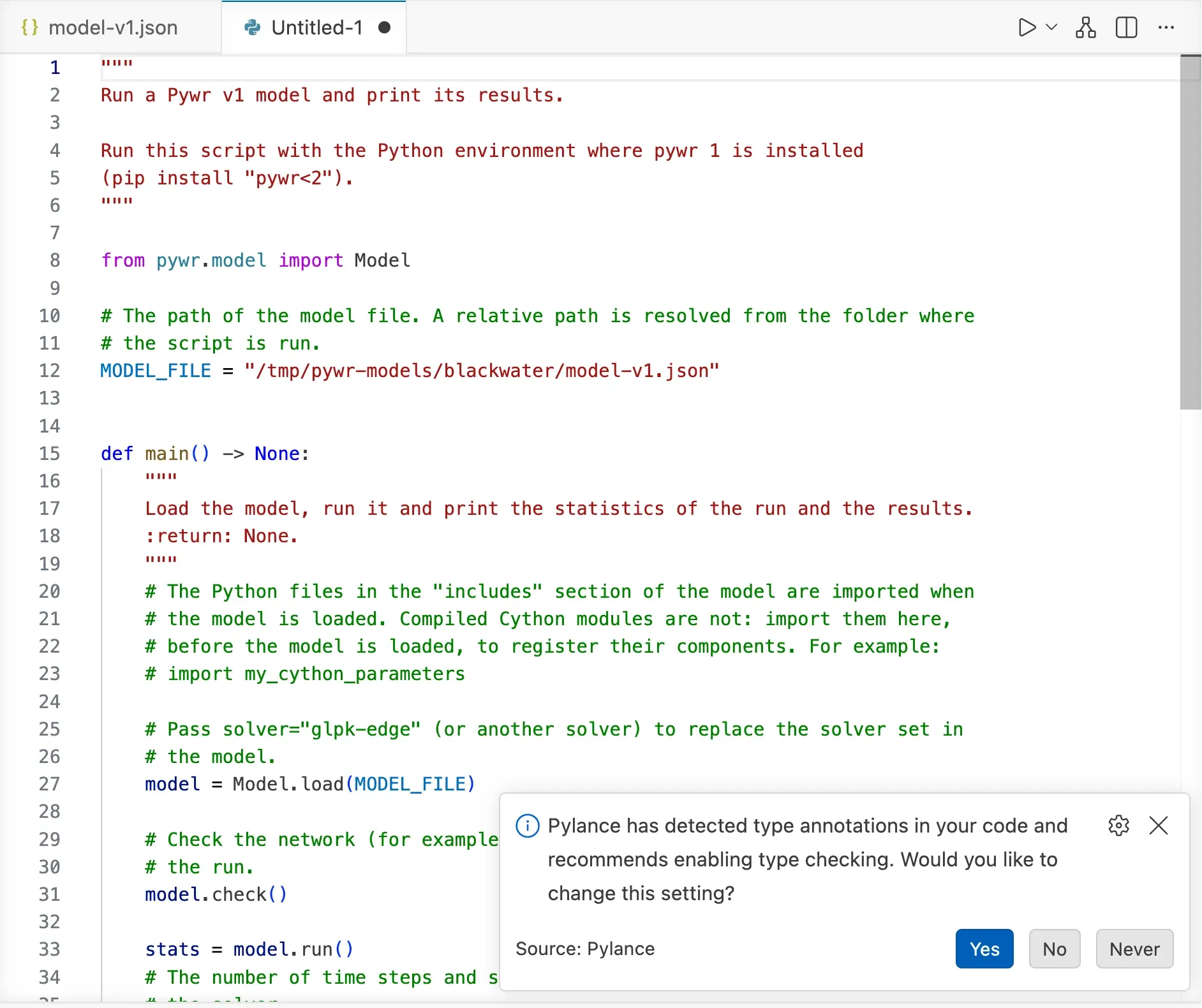
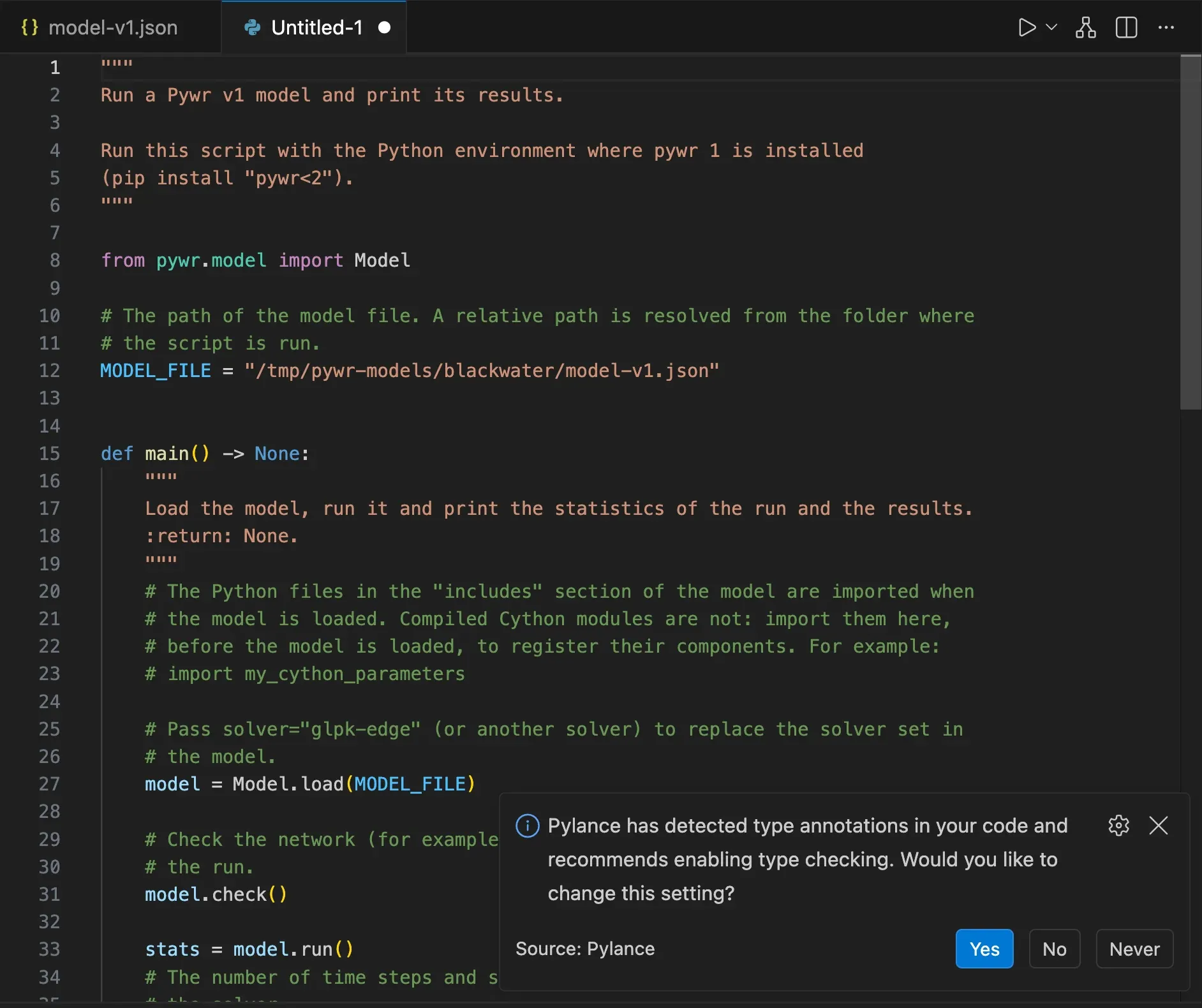
- Pywr v1 The script loads the model, checks its
network and runs it. It then prints the statistics of the run, the timeseries
of the recorders that keep them in memory and the aggregated value of each
recorder. A comment shows where to import your compiled Cython
modules, which Pywr does not load
from the
includessection of the model. - Pywr v2 The script reads the model, builds it with the folder of its data and the folder for its outputs, and runs it with the solver you set.
Run the script with a Python environment where that version of Pywr is installed.
Open the file of a DataFrameParameter
Section titled “Open the file of a DataFrameParameter”Pywr v1 A DataFrameParameter can read its
timeseries from an HDF5 file written by pandas, which holds one or more tables,
each with a key. The script lists the tables of the file with their size, then
prints the index, the columns and the first rows of the table the parameter
reads.
When the open model has a DataFrameParameter with an HDF5 file, the script is written
with the path of that file and the key of the parameter. It needs pandas and
tables (PyTables).
Open a TablesRecorder file
Section titled “Open a TablesRecorder file”Pywr v1 A TablesRecorder saves the results of the
nodes and parameters in an HDF5 file. The script reads it with h5py:
- the metadata of the file and the scenarios of the run
- the list of the arrays, one for each node and parameter
- the results of one array as a table, with a row for each time step and a column for each combination of scenarios
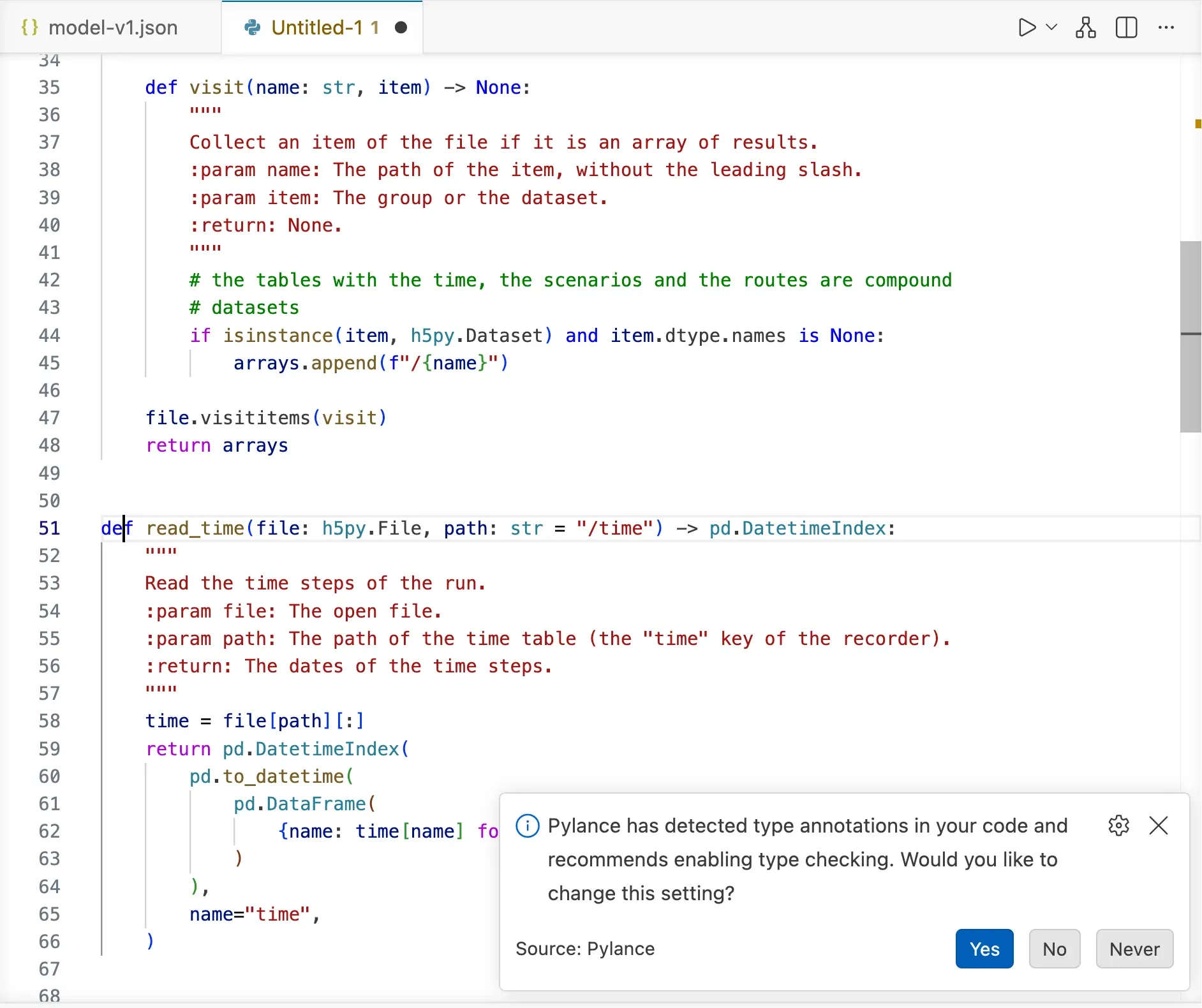
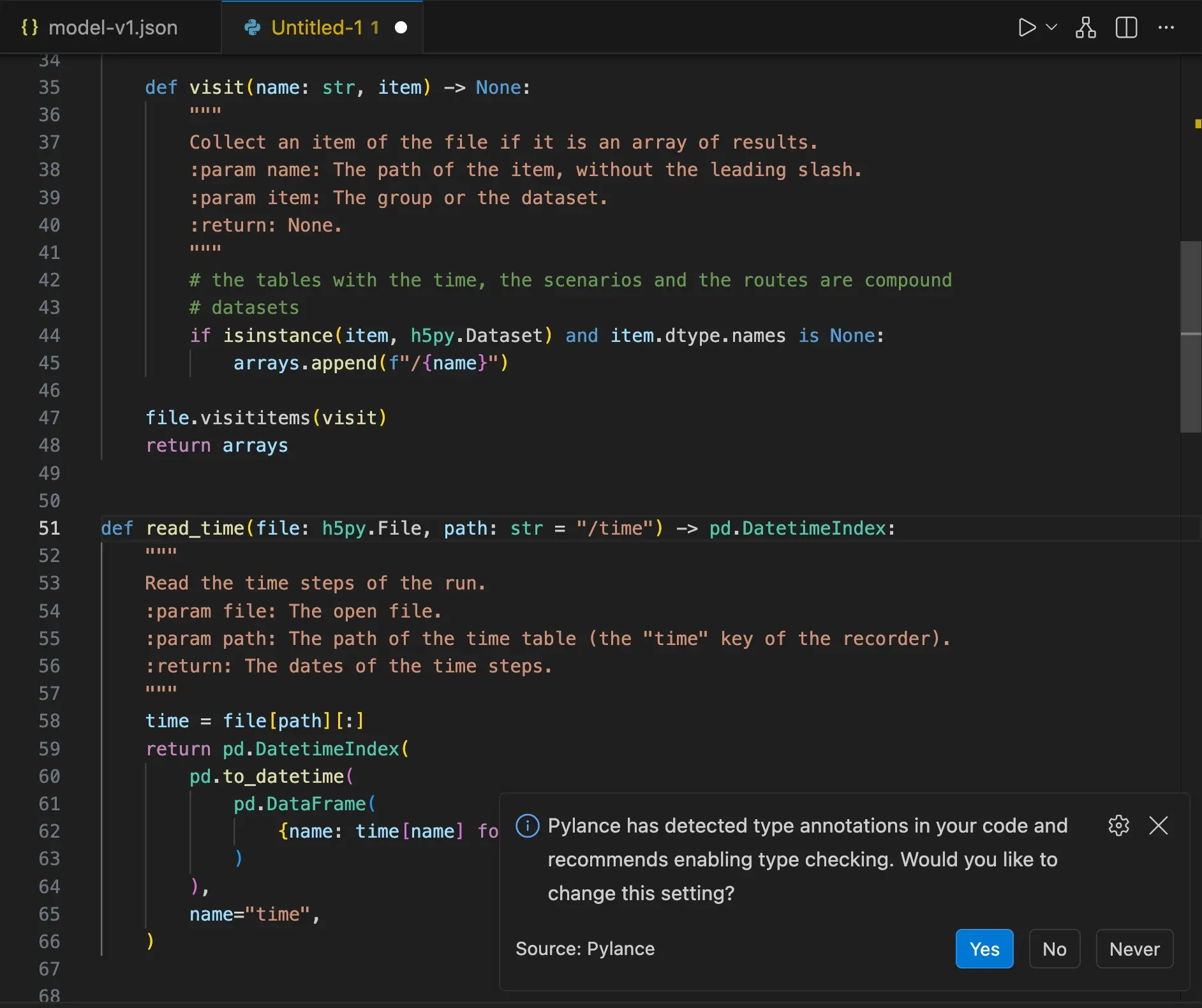
When the open model has a TablesRecorder, the script is written with the path of its
file. Set ARRAY to the path of the node or parameter to read; otherwise the first
array of the file is used. The script needs h5py, numpy and pandas.
A TablesRecorder2 saves a group for each node instead, with an array for the flow (or
the volume), one for its minimum and one for its maximum. Add the attribute to the
path, for example /reservoir/max_volume.
Write a custom parameter
Section titled “Write a custom parameter”Pywr v1 The script is a parameter that scales the value of another parameter: a small, complete example to rename and change. Each method says when Pywr calls it and what it receives:
__init__keeps the arguments and registers the parameters this one depends onsetupandresetprepare the state of the parameter before a runvaluereturns the number for a time step and a scenarioafterupdates the state once the time step is solvedloadcreates the parameter from its configuration in the model file
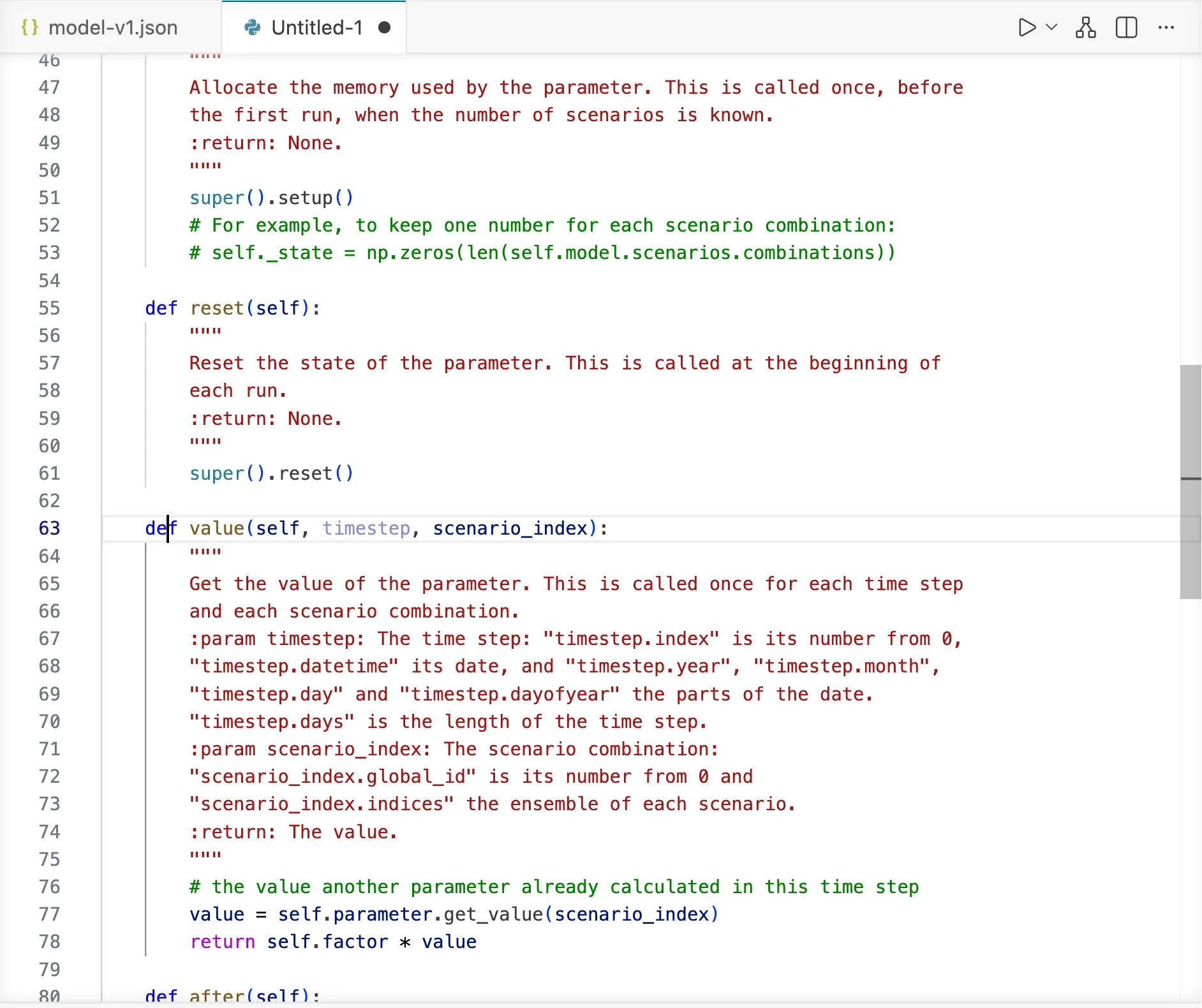
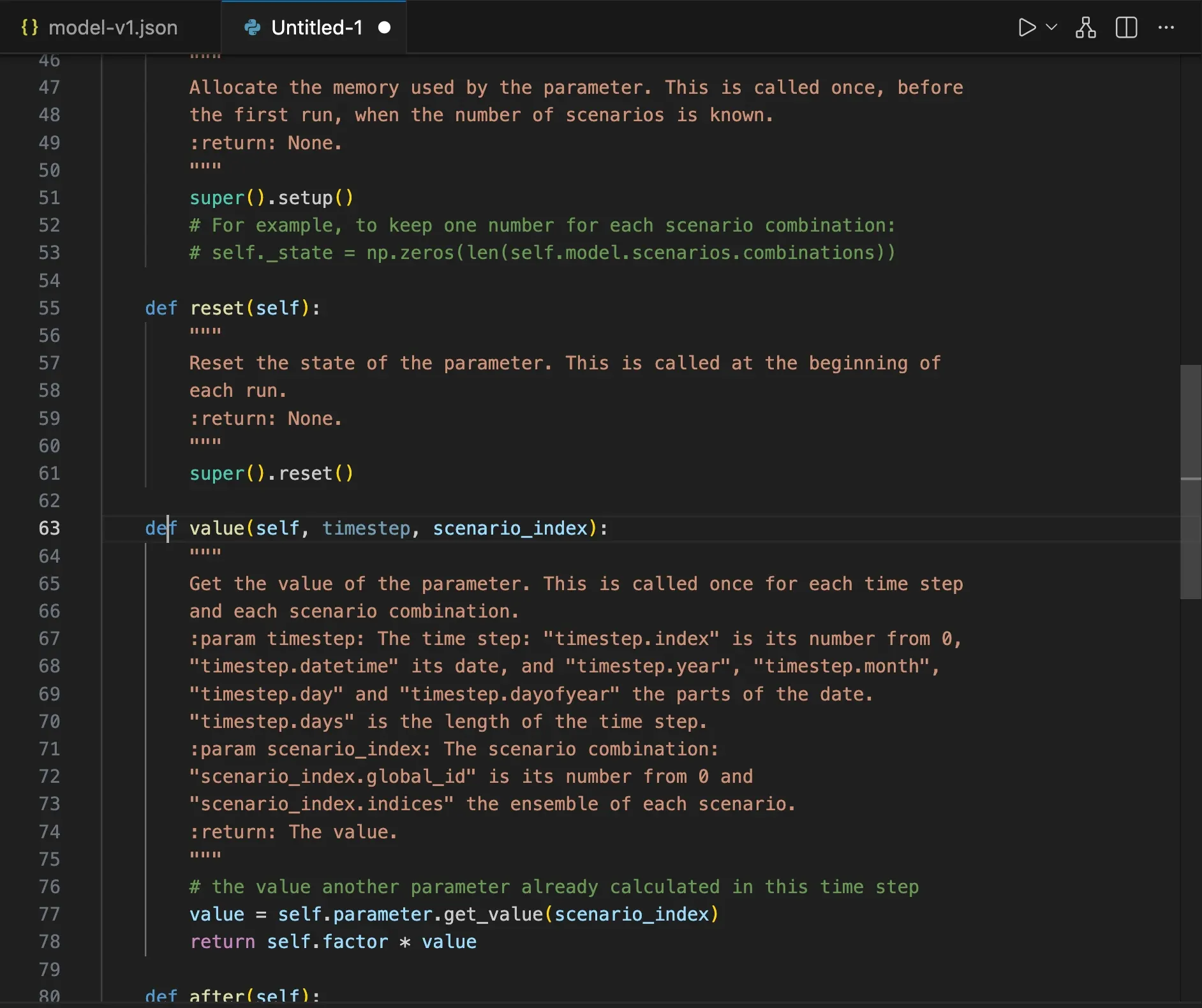
To use the parameter, save the file, add it to the includes section of the model (see
Pywr: Edit Included Files) and set the type of a parameter to the name of the
class. The top of the script shows the JSON to write.
Write a Cython parameter
Section titled “Write a Cython parameter”Pywr v1 The same parameter written in Cython, which is compiled and so much faster when it is called many times. The documentation at the top of the file has the steps to follow:
-
Save the file with the
.pyxextension, for examplemy_parameters.pyx. -
Add the
setup.pyfile shown in the documentation next to it. -
Build the module with the Python environment where Pywr 1 is installed. This writes a
.sofile on macOS and Linux, or a.pydfile on Windows. -
Add the compiled module with Pywr: Manage Cython Modules, so that the extension imports it when the model is checked and run. See Use Cython modules.