
Create a model
Start from a template
Section titled “Start from a template”-
Open the folder where the model will live with File > Open Folder….
-
Open the Command Palette (Ctrl Shift P, or Cmd Shift P on macOS) and run Pywr: New model.
-
Pick the version of Pywr the model is for: Pywr v2 model or Pywr v1 model.


-
Pick a template:
Template What you get Empty model The model settings, with no nodes. One reservoir A catchment filling a reservoir that supplies a demand. The water the reservoir cannot store is spilled. River with an abstraction A river flowing to the sea, with an abstraction limited by a licence that supplies a demand. -
Choose where to save the file. The default name is
model.json.
The model opens in the editor and its schematic opens next to it. The templates run from 1 January to 31 December 2025 with a daily time step and save their results in a CSV file, so you can run them and chart the results straight away.
Open a model you already have
Section titled “Open a model you already have”Open the folder of the model, then its JSON file. The extension looks at every JSON file you open and recognises it as:
- a Pywr v2 model when it has the
metadata,timeandnetworksections - a Pywr v1 model when it has a
timesteppersection and a list ofnodes
When the file is a model:
- the Pywr icon appears in the activity bar and the sidebar fills with the components of the model
- the status bar, at the bottom right, shows Pywr v2 model or Pywr v1 model
- the Run, Run with options and QA report buttons, and the schematic button, appear at the top right of the editor
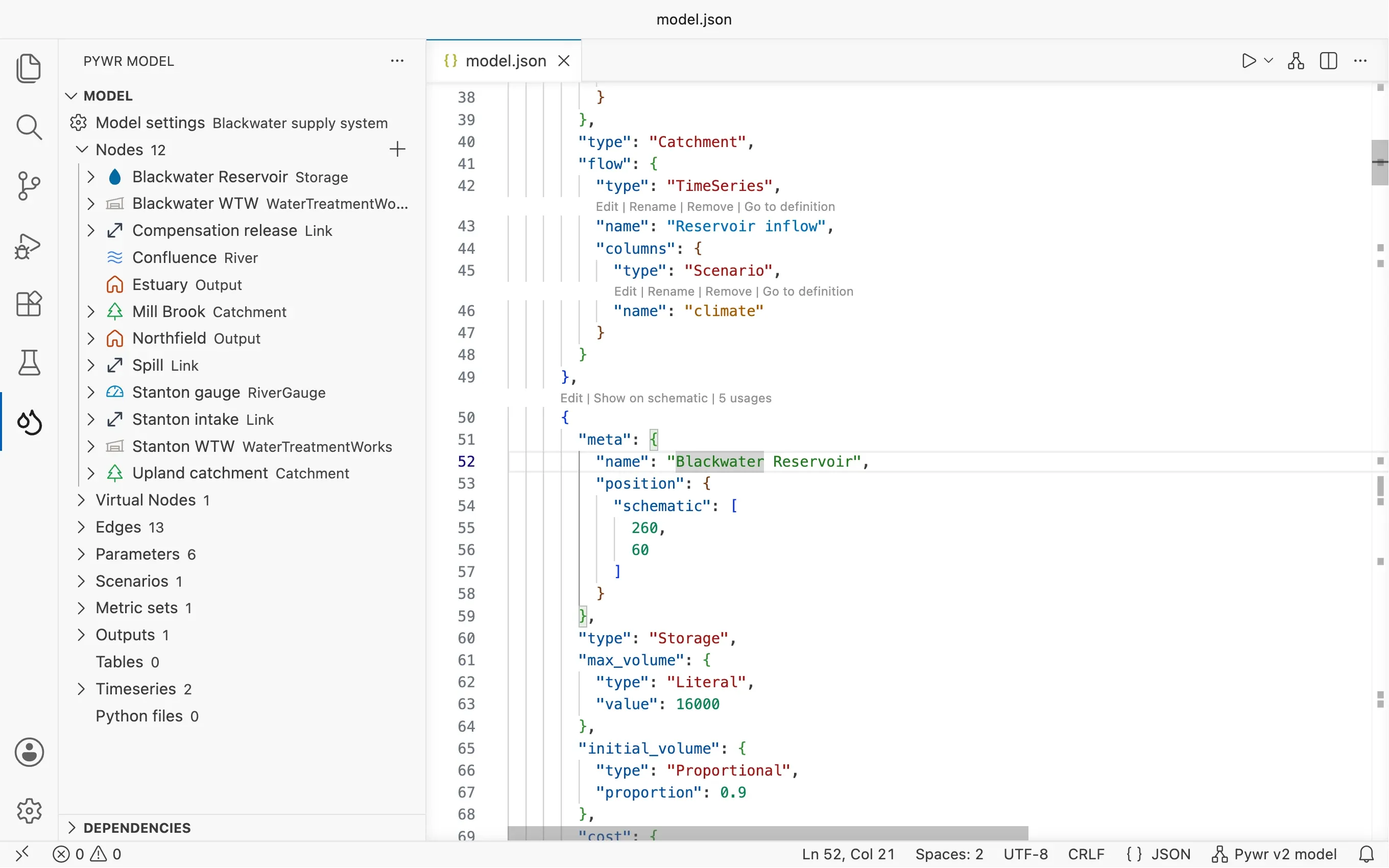
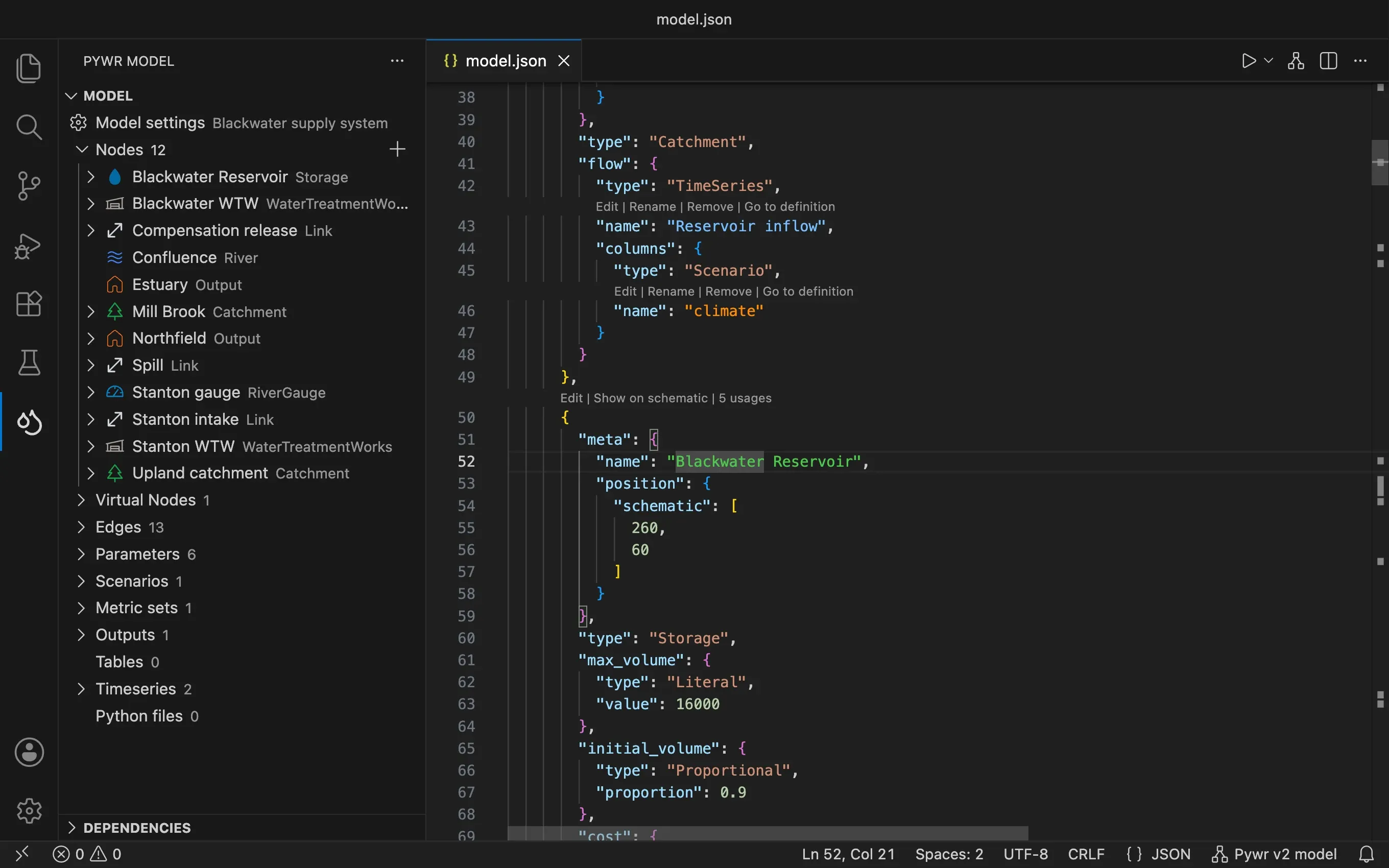
The item in the status bar turns to the warning colour when the model has errors. Click it to open the model settings.
Normalise Pywr v1 models
Section titled “Normalise Pywr v1 models”Pywr v1 accepts short names for the types of parameters and recorders, such as
constant for ConstantParameter. When you open a Pywr v1 model that uses them, the
extension tells you how many values it can normalise and asks before it changes the file.
Normalise rewrites them to the pywr class names and replaces the control_curve key
of the control curve parameters with control_curves. The model means the same to pywr;
the forms and the checks need the full names.
Don’t ask again turns off the pywr.normaliseModelOnOpen
setting for the workspace.
The walkthrough
Section titled “The walkthrough”Help > Welcome has a Get started with Pywr walkthrough that takes you through opening a model, drawing it, editing it with a form, running it and charting the results.