
Compare two versions
A line diff of a model file is hard to read. Moving a component to another place in the file, or formatting the file again, changes many lines even when the model stays the same. Pywr: Compare model versions compares two versions of a model one component at a time. It lists the nodes, edges, parameters and other components that were added, removed or changed, and opens the old and new configuration of a component side by side.
It works for Pywr v2 and Pywr v1 models. The two versions must use the same format.
Compare with a git commit
Section titled “Compare with a git commit”When the model is in a git repository, you can compare it with any commit that changed it.
-
Open the model and run Pywr: Compare model versions, from the Command Palette or from the … menu at the top right of the editor.
-
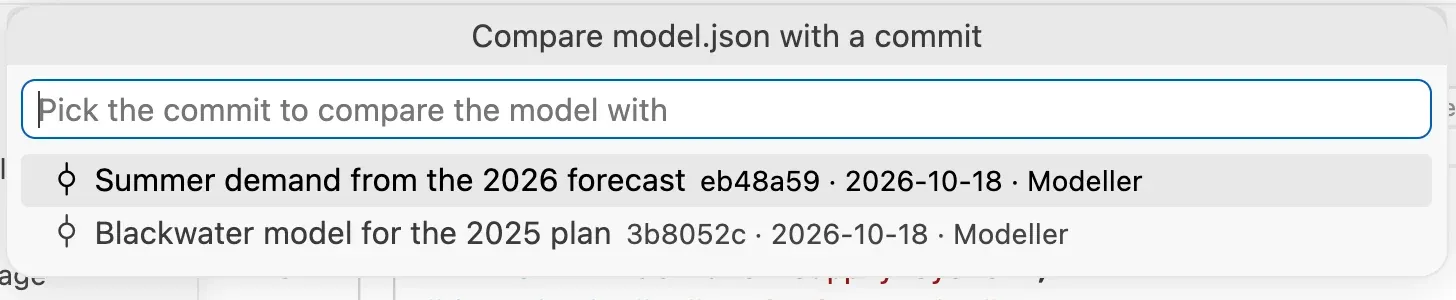
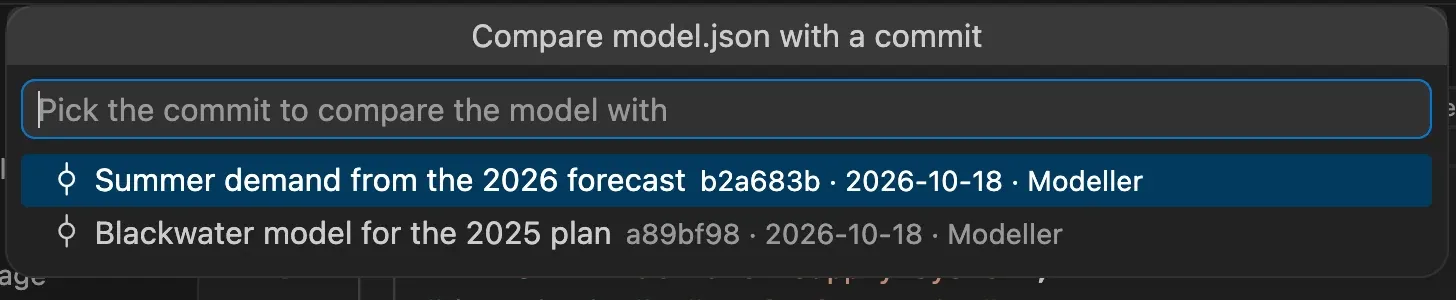
Pick A git revision of this file…. The list shows the commits that changed the file, with their message, date and author.
-
Pick a commit. The model at that commit is compared with the open model, including the changes you have not saved yet.
Compare two files
Section titled “Compare two files”To compare two model files, for example a model and a copy with a new option, select both files in the Explorer, right-click one of them and pick Compare model versions. The title of the list shows the old version on the left of the arrow and the new one on its right.
You can also right-click a single model file, or run the command with a model open, and pick Another model file… to choose the file to compare it with.
Read the changes
Section titled “Read the changes”The changes are listed in three groups:
- Added: the components that are only in the new version.
- Removed: the components that are only in the old version.
- Changed: the components that are in both versions with a different
configuration. Under each one, the keys that changed, such as
valuesormax_flow.
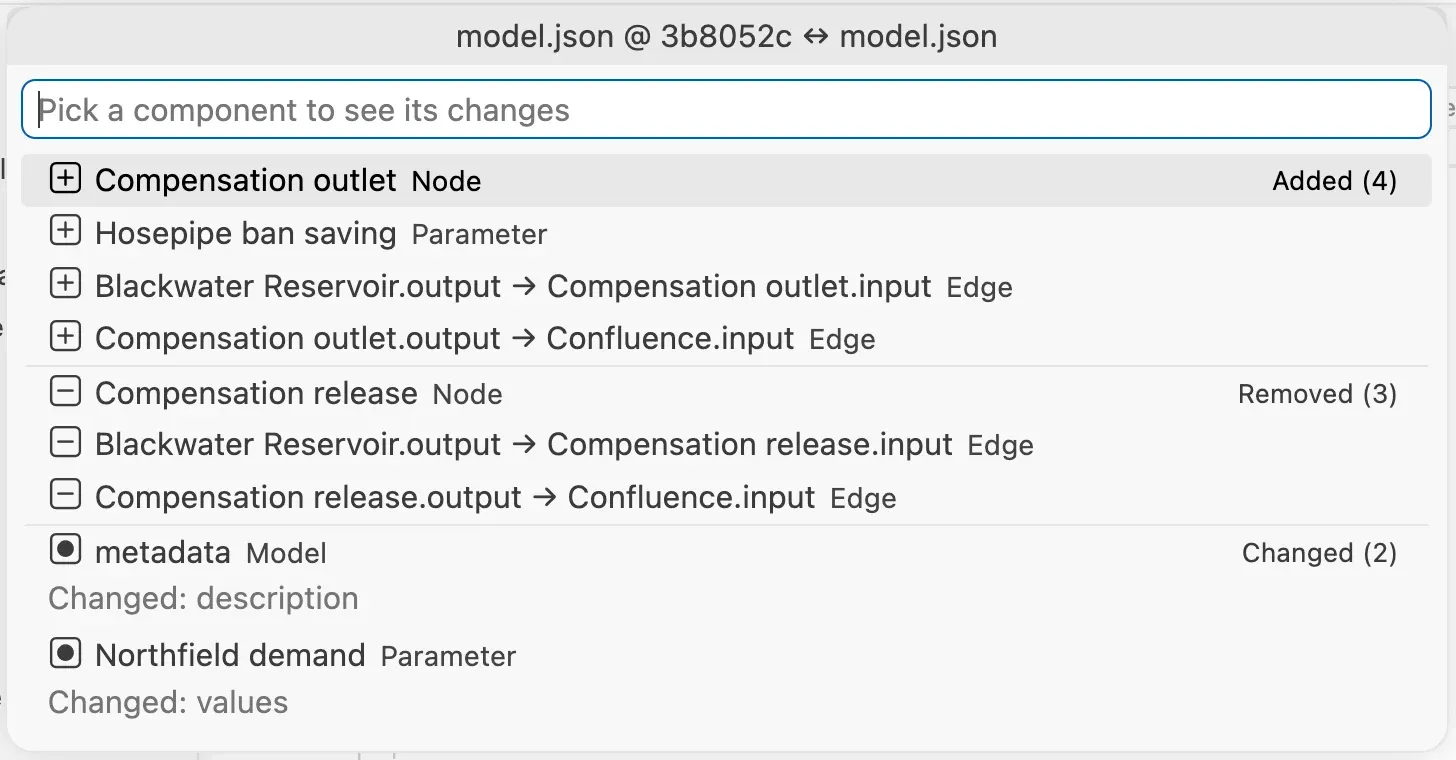
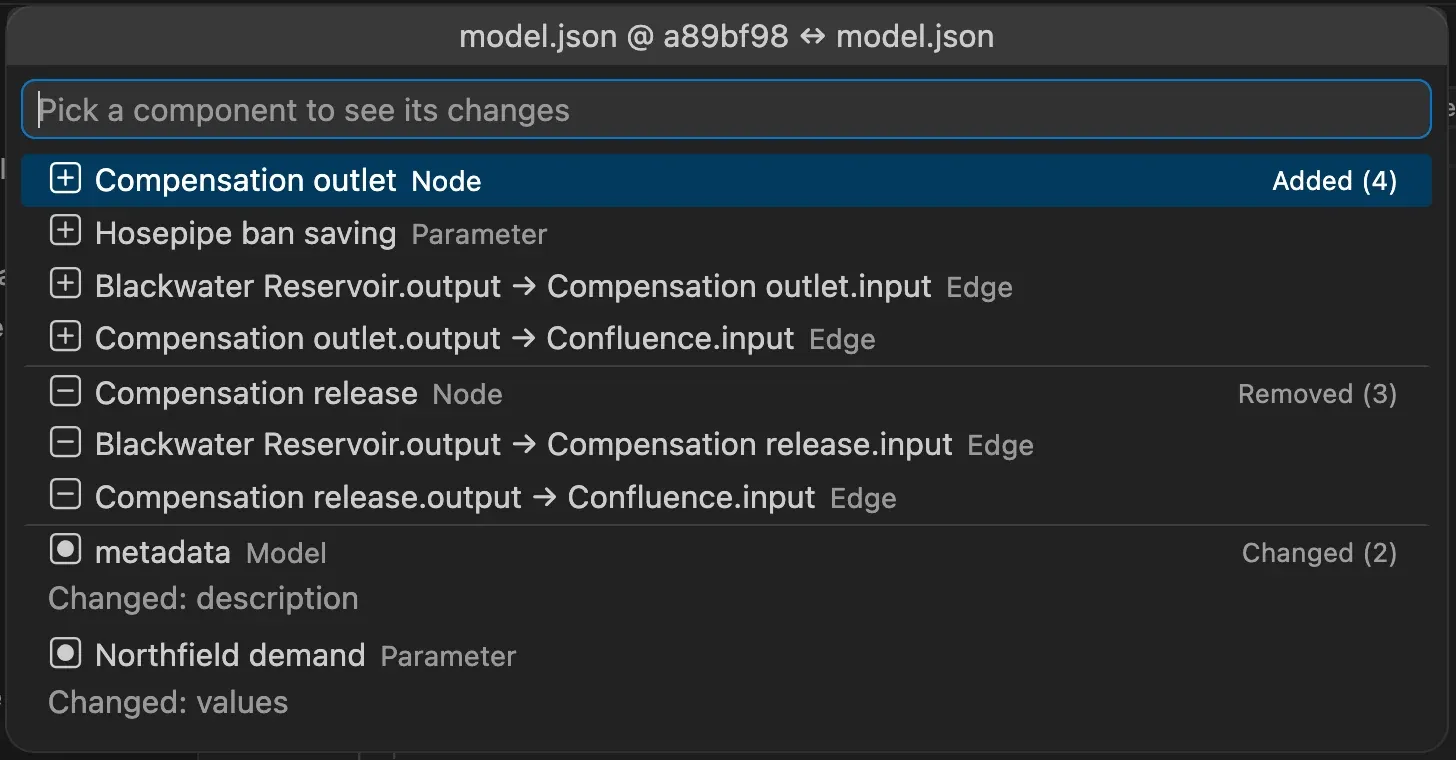
Components are matched by name, so their order in the file and its formatting are ignored. A renamed component shows up twice: removed under its old name and added under the new one. Edges are named after the nodes they connect, so the edges of a renamed node are removed and added too.
The settings at the root of the model, such as metadata and the time settings, are
listed with the type Model.
Type in the box to filter the list by name, by type or by the changed keys.
See the changes of a component
Section titled “See the changes of a component”Pick a component in the list to open its configuration in the old version (left) and in the new version (right), with the differences highlighted. The list stays open for the next component until you press Escape.
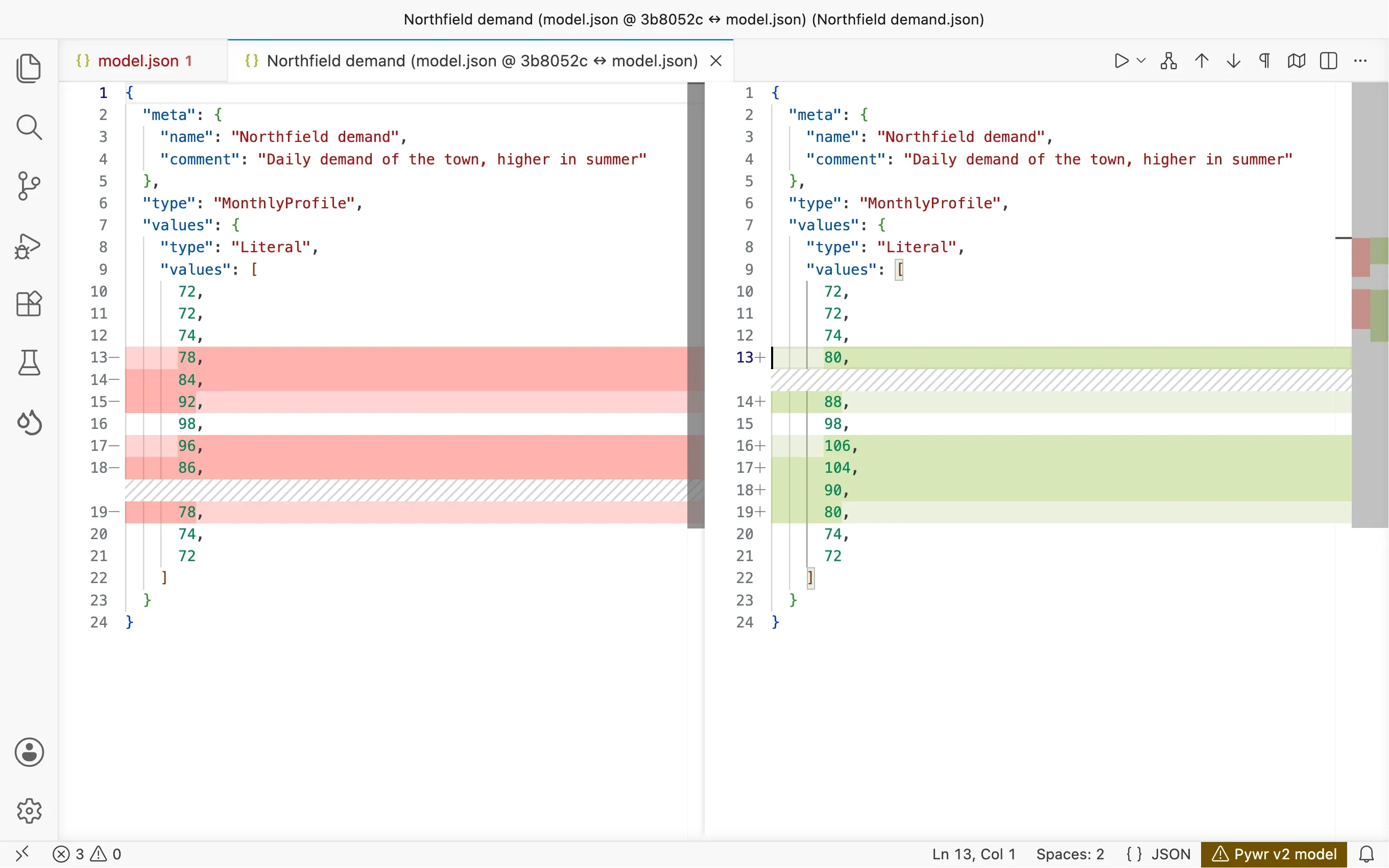
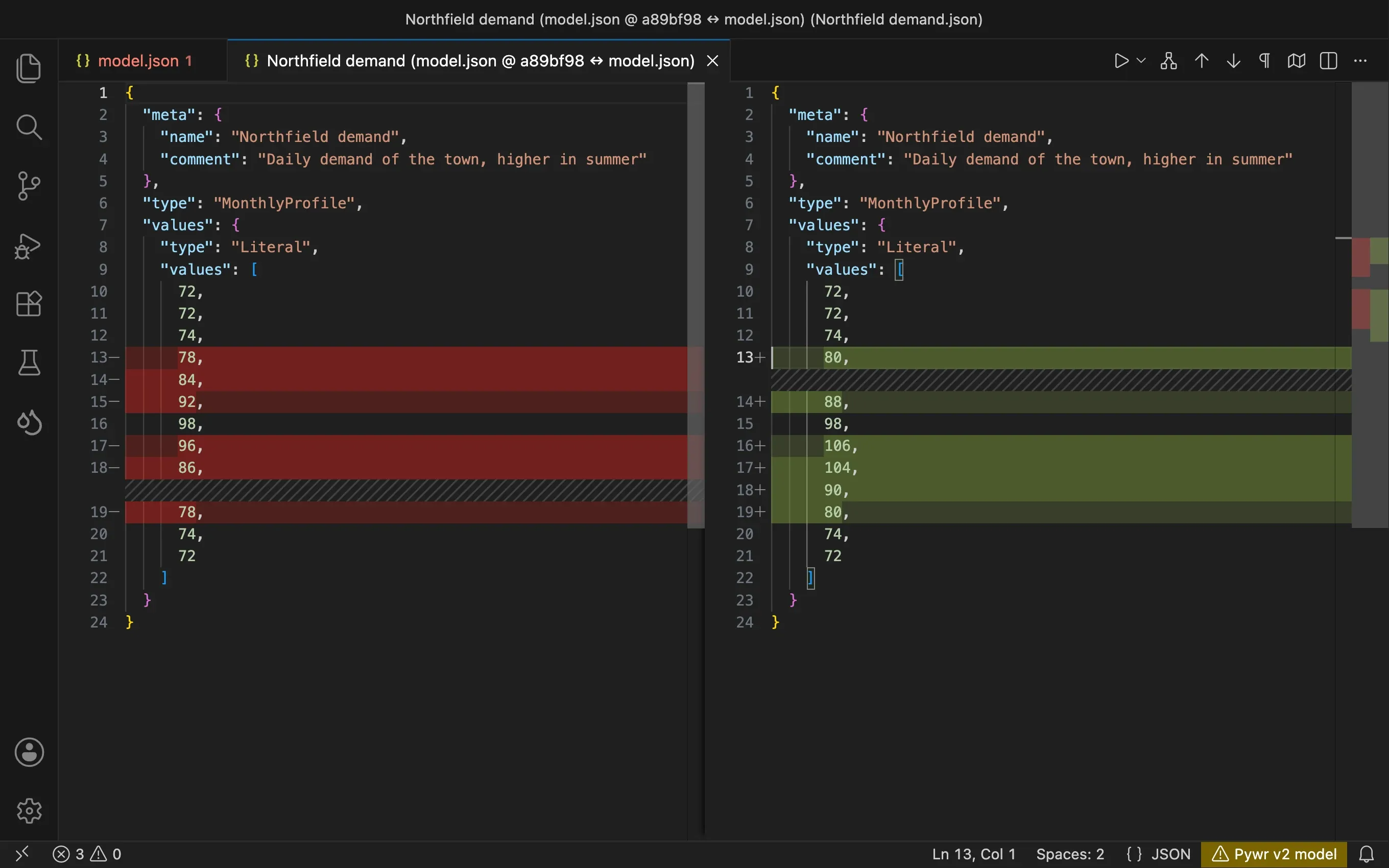
An added component has an empty left side, and a removed one an empty right side.